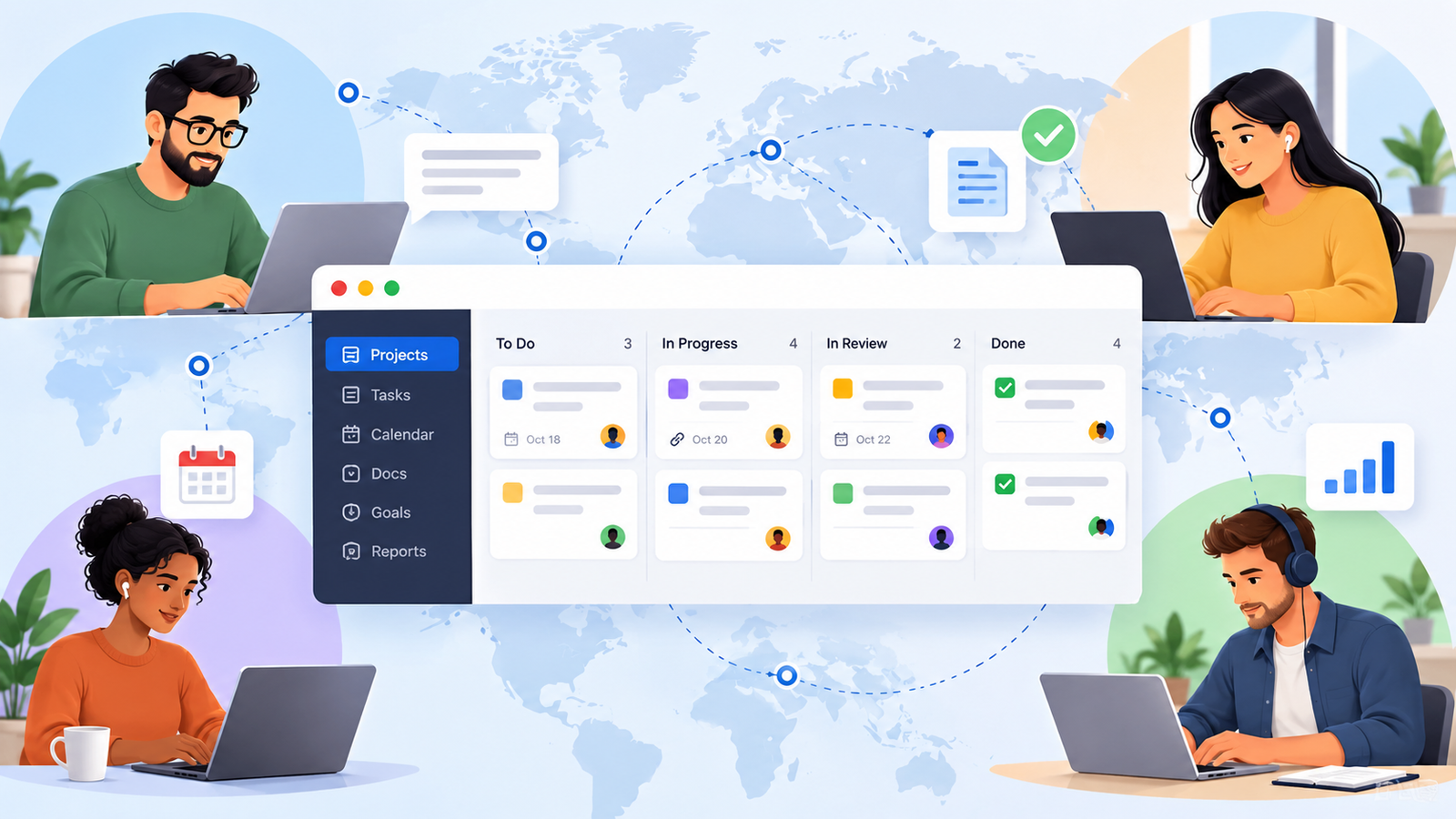
A designer in Lisbon finishes a revision and moves on. Her developer in Denver starts work six hours later and can’t tell whether the file is approved, who signed off, or whether the task is waiting on her. He sends a message, gets no reply until tomorrow, and the work sits idle for a day.
Nobody necessarily made a mistake. The team just had no shared place where the answers lived.
In an office, people fill those gaps by overhearing a conversation, asking across a desk, or glancing at a whiteboard. Remote teams lose that physical context. Their project management system has to replace some of it.
That changes what “best” means.
For a distributed team, the best project management software isn’t necessarily the platform with the longest feature list. It’s the one that lets the next person pick up the work and understand what happened, who owns it, what’s blocked, and what needs to happen next — without scheduling another meeting.
That’s the lens we use here. Instead of forcing a universal winner, we evaluate seven tools through a Remote Work Visibility Framework and explain the type of remote team each one fits best.
Best Project Management Software
Quick Answer: Best Project Management Software for Remote Teams
Remote teams don’t all fail in the same way, so the right choice depends on the problem you’re trying to fix.
- Asana — best for structured async coordination and clear ownership.
- ClickUp — best for teams trying to consolidate scattered work into one configurable workspace.
- Basecamp — best for simpler async-first teams that don’t want a heavy PM system.
- Notion — best for documentation-heavy teams where lost context is the bigger problem.
- Monday.com — best for managers who need visual project status at a glance.
- Linear — best for distributed software and product teams.
- Teamwork — best for remote client-service teams that need delivery, time, and workload visibility together.
Remote Team Comparison Table
| Tool | Best For | Async Visibility | Main Trade-off |
|---|---|---|---|
| Asana | Clear ownership and structured workflows | Owners, dependencies, and written project updates keep work state visible | Requires consistent workflow discipline |
| ClickUp | Consolidating tasks, docs, dashboards, and other work surfaces | Multiple work views can live inside one workspace | Flexibility creates setup and admin overhead |
| Basecamp | Smaller async-first teams that value simplicity | Check-ins and project communication reduce dependence on status meetings | Less suitable for advanced reporting and resource planning |
| Notion | Documentation-heavy remote teams | Project context, docs, tasks, and databases can live together | Strong results depend on deliberate workspace design |
| Monday.com | Managers who need fast visual status | Boards, dashboards, and workload views make work easier to scan | Useful capabilities and economics vary by plan and team size |
| Linear | Distributed engineering and product teams | Issues, cycles, and structured project updates fit async product work | Product-development focus narrows its fit |
| Teamwork | Remote client-service delivery | Client work, time, and workload can be managed in the same system | Extra complexity for teams without client-service workflows |
How We Evaluated Remote Project Management Software
This guide is based on research rather than a claim that we personally tested every platform.
We reviewed official product capabilities, then used recurring public user feedback selectively to understand where setup, adoption, complexity, or workflow friction tends to appear. The final recommendations are our editorial interpretation of that evidence.
Everything runs through one question:
When teammates aren’t online together, can the next person understand what happened, who owns the work, what’s blocked, and what happens next?
- Async Clarity: Can someone understand an update without joining another meeting?
- Ownership Visibility: Are the owner, deadline, blockers, and next action clear?
- Context Preservation: Do decisions, files, comments, and history stay attached to the work?
- Time-Zone Coordination: Can work move between people without waiting for real-time overlap?
- Notification Control: Can people stay informed without learning to ignore every alert?
- Adoption Friction: Will the rest of the team actually keep the system current?
Integrations, workload planning, documentation, mobile access, automation, and price still matter. But they support those six dimensions rather than replace them.
A sophisticated platform that nobody updates gives a remote team less visibility than a simpler system everyone actually uses.
Best Tools for Remote Teams
Asana: Best for Structured Async Coordination
Asana works particularly well when the main remote-work problem is ambiguity around ownership.
Tasks can have clear assignees and due dates, while task dependencies identify work that is blocking or blocked by something else. At the project level, status updates give teams and stakeholders a written snapshot of progress, risks, and next steps.
That combination is useful when work passes between time zones. A teammate starting six hours later shouldn’t have to ask whether the previous step finished or whether their task is still blocked.
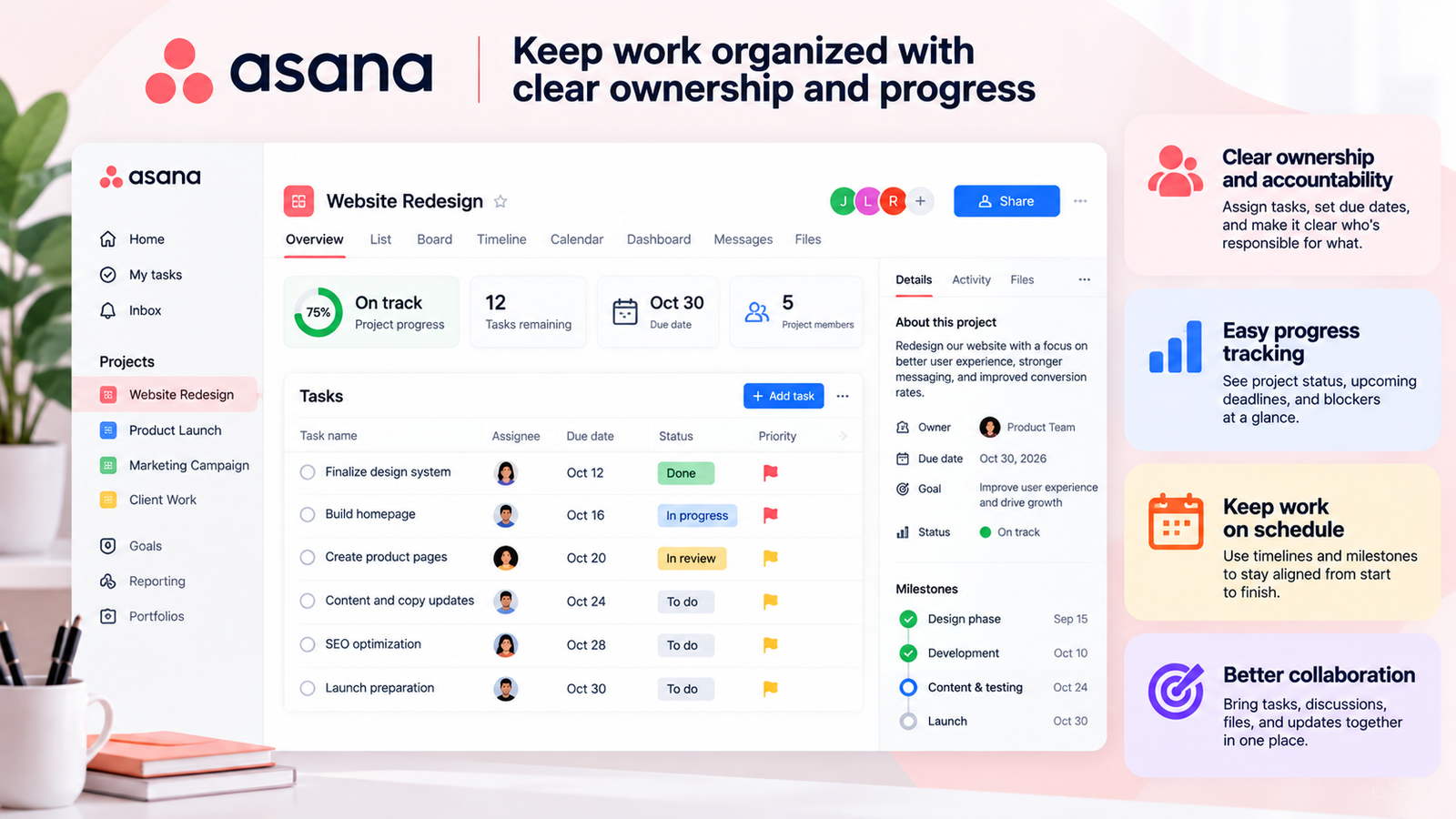
The trade-off isn’t that Asana is inherently difficult to use. It’s that its value depends on the team consistently maintaining the structure. Owners, statuses, fields, and updates only improve visibility if people treat them as part of the workflow rather than optional administration.
As a project grows, an undisciplined Asana workspace can still accumulate stale tasks and noise. In that situation, adding more fields and rules doesn’t automatically create more clarity.
If unclear ownership and handoffs are costing your team time, Asana is one of the strongest fits here.
If the bigger problem is keeping long-form documentation, discussion, tasks, and knowledge in one flexible environment, another tool may match the way your team works better.
ClickUp: Best for Consolidating Remote Work
For some remote teams, information isn’t missing. It’s everywhere.
Tasks sit in one app, project documentation in another, reporting in a third, and discussions happen somewhere else again. Every additional surface creates another place for context to disappear.
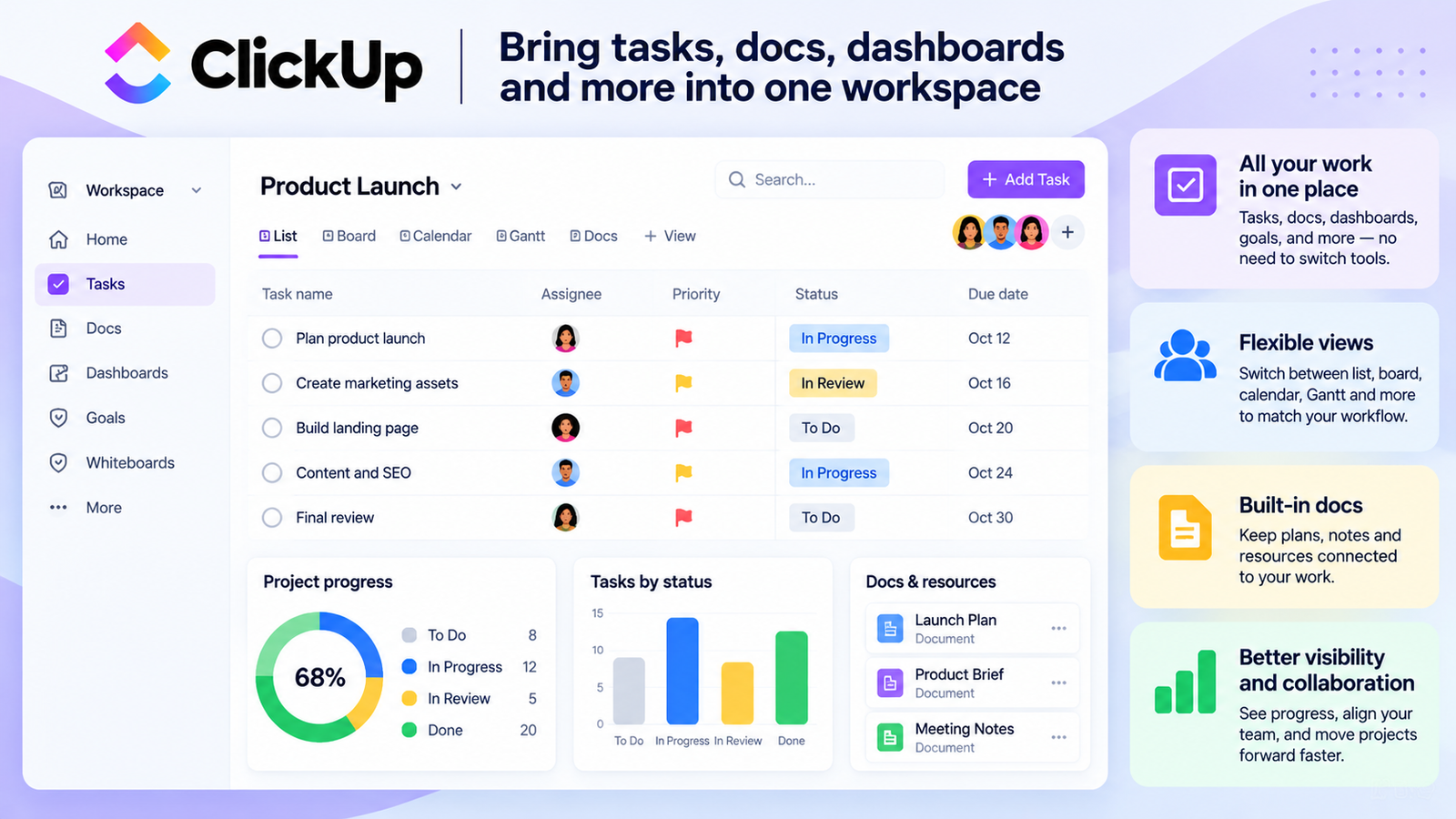
ClickUp attacks that problem by putting task views alongside Docs, Dashboards, Chat, Whiteboards, and other workspace views. Dashboards can turn workspace data into high-level project and team reporting, while Docs can live alongside the work they explain.
For a team trying to reduce tool fragmentation, that’s a meaningful advantage.
But ClickUp’s breadth creates its own operating cost.
Someone still has to decide how Spaces, Folders, Lists, views, dashboards, statuses, and other conventions should work. The team then has to follow those conventions. The same flexibility that helps a mature operations team build exactly what it needs can make a poorly governed workspace harder to understand.
Some reporting and workload capabilities also vary by plan, so don’t evaluate ClickUp based only on a feature appearing somewhere in the product. Check whether the version you’re considering actually includes the capability your team needs.
If fragmentation across tools is your expensive problem and someone will own the workspace design, ClickUp deserves a close look.
If nobody wants responsibility for maintaining that system, its flexibility can become another source of clutter.
Basecamp: Best for Simple Async-First Teams
Basecamp takes almost the opposite approach.
Instead of giving teams dozens of ways to design a project system, it provides a relatively small set of tools for communication and coordination. Projects can use to-dos, calendars, conversations, and Automatic Check-ins, which are specifically designed to collect recurring updates without another meeting.
That simplicity can matter more than feature depth for a remote team that has already abandoned one or two “powerful” PM systems because nobody kept them updated.
If a weekly status question can be answered asynchronously, the team doesn’t need to schedule a call just to discover what everyone is doing.
The ceiling appears when the organization starts demanding deeper operational control.
Teams that need detailed resource planning, sophisticated portfolio reporting, or highly customized workflows may eventually find that Basecamp’s deliberately simpler model doesn’t answer enough management questions.
That’s not necessarily a flaw. It’s the trade.
For a smaller distributed team whose priority is clear communication with minimal system administration, Basecamp can be more useful than a feature-heavy platform.
For an operations-heavy organization that needs to model capacity and reporting in detail, it can become restrictive.
Notion: Best for Documentation-Heavy Remote Teams
Some remote teams don’t primarily have a task-management problem.
They have a “why did we decide this?” problem.
Important reasoning lives in an old call, a chat thread, a document nobody can find, or the memory of someone who’s asleep in another time zone.
That’s where Notion becomes interesting.
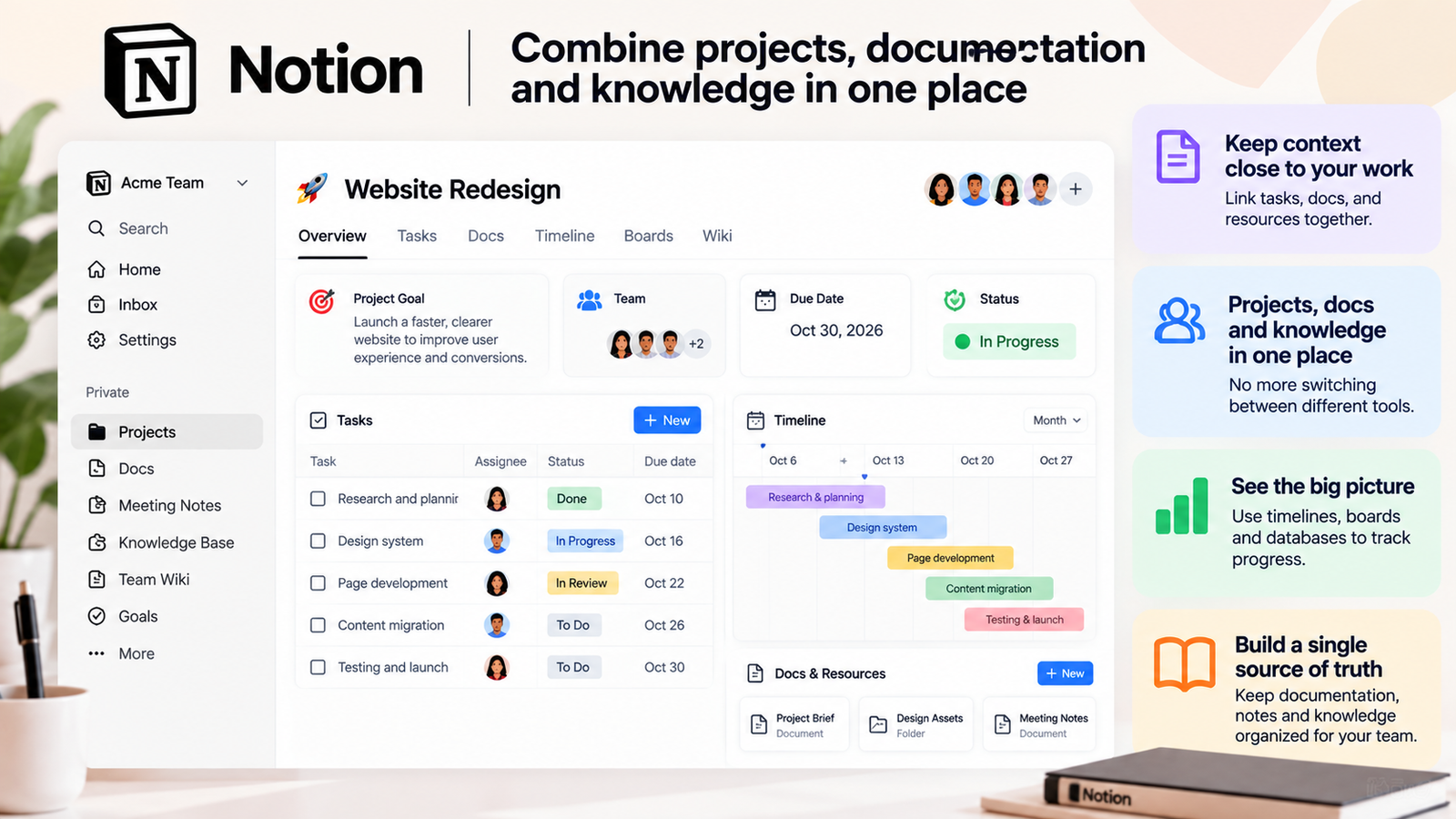
Documents, databases, project information, and task data can live close together. Notion also supports sub-tasks, assignees, status and due-date properties, timeline views, and dependencies between tasks. Dependencies can even be configured to shift dates automatically when blocking work moves.
So the trade-off is no longer that Notion lacks basic project-management mechanics.
The bigger issue is how much system design the team has to do itself.
Notion gives you flexible building blocks rather than a strongly opinionated way to run every project. Someone still has to decide how databases relate, which properties matter, what views teams should use, how projects are archived, and which conventions everyone follows.
When that’s done well, the same flexibility can make documentation and project context unusually accessible.
When it isn’t, teams can end up with multiple databases, inconsistent pages, duplicated information, and no shared understanding of where the “real” project record lives.
Choose Notion when preserving context and knowledge next to the work is the central problem and you’re prepared to govern the workspace.
If you want a system that tells the team more explicitly how project work should flow out of the box, a more opinionated PM platform may require less design.
Monday.com: Best for Visual Status Visibility
Monday.com makes the most sense when the failure happens at the management layer: people are doing the work, but leaders can’t quickly see what state it’s in.
Boards, views, and dashboards turn project information into a visual operating layer. Instead of reading through every task, a manager can scan a board or dashboard for progress, workload, exceptions, and patterns.
That’s particularly useful in a remote environment because poor visibility often gets “solved” with more status meetings.
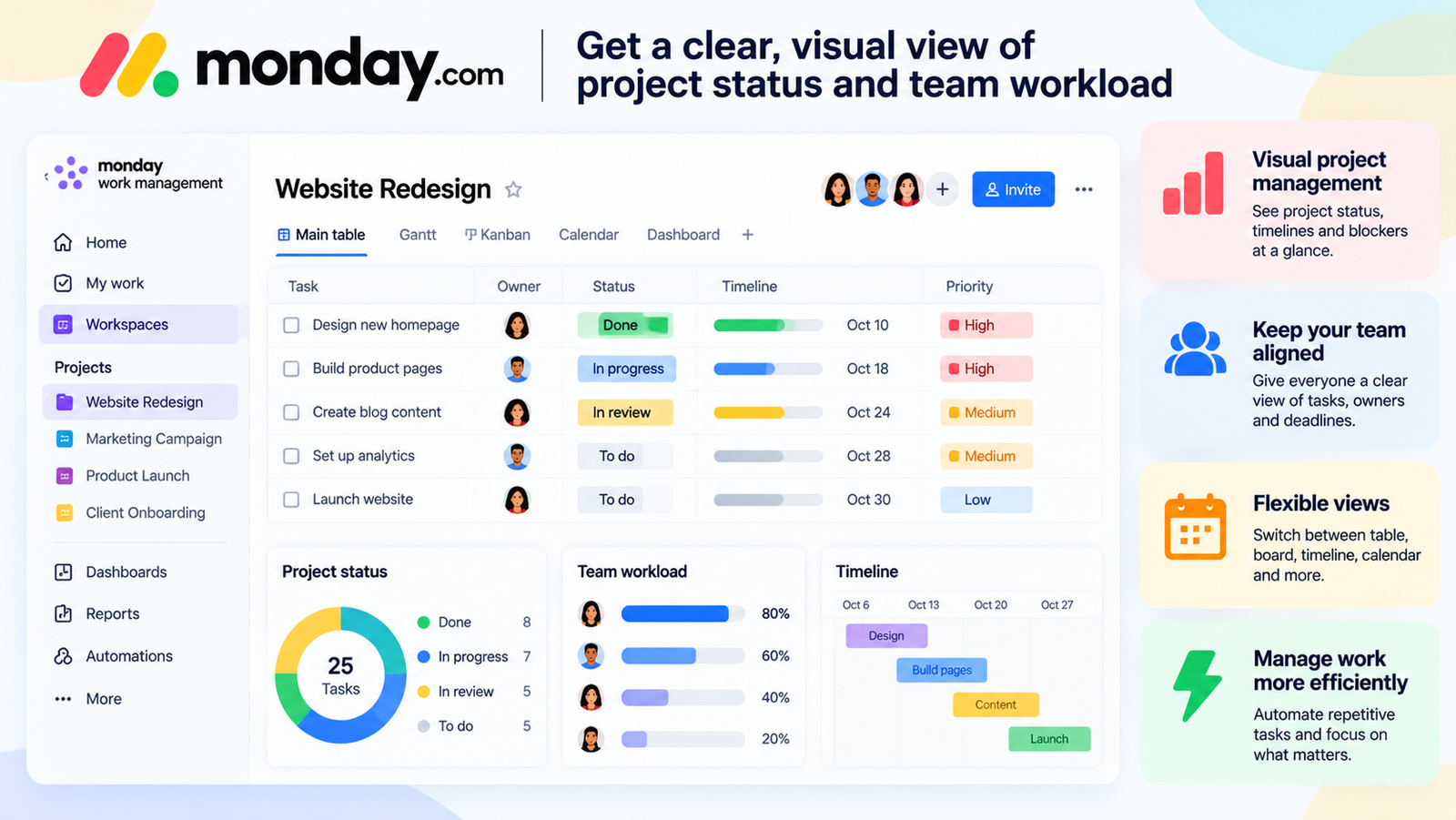
The catch is that visual clarity doesn’t happen automatically.
A useful board still has to be designed around the team’s real workflow, and sophisticated setups require ongoing maintenance. More importantly, monday.com’s capabilities vary meaningfully across plans. For example, workload functionality is not universally available across every tier, and automation/integration limits also change as you move between plans.
Its pricing model also means the right comparison is not simply “starting price.” You need to model the number of users you actually need and the plan that contains the functions that matter to your workflow.
That makes Monday.com a strong fit when fast visual status and management visibility are worth the configuration effort.
For a very small team with a simple workflow, the additional visual layer may be more system than you need.
Linear: Best for Distributed Software Teams
Linear’s biggest strength is that it doesn’t try to serve every possible department equally.
Its workflow is built around product and software execution: issues, projects, cycles, and structured project updates. Cycles give teams repeatable time-boxed periods of work, while project updates provide a written way to communicate health, progress, challenges, and next steps.
That combination maps naturally to distributed engineering teams.
Developers already working asynchronously don’t need another broad “work management” vocabulary layered over the way they operate. A tighter system can make ownership and progress easier to read.
But specialization cuts both ways.
A marketing, HR, operations, or client-service team can technically use many different tools. The better question is whether the tool’s underlying model matches the work they actually do.
Linear’s product-development orientation makes it a particularly strong option for software organizations, but a weaker candidate when the company is trying to force every department into one general-purpose platform.
If you’re choosing specifically for a distributed engineering or product organization, Linear belongs on the shortlist.
If your priority is one shared PM system across very different business functions, its specialization becomes a limitation rather than an advantage.
Teamwork: Best for Remote Client-Service Teams
Client-service businesses have an extra visibility problem that internal teams don’t.
It’s not enough to know whether the task is done. You may also need to know who has capacity, how much time the work consumed, what the client can see, and whether delivery is staying commercially healthy.
Teamwork is built much more directly around that world.
It supports project time tracking, workload planning, and client users who can participate in relevant project work with restricted permissions. That makes it easier to keep delivery information connected instead of managing internal tasks in one system and client visibility somewhere else.
For agencies, consultancies, and other service teams operating remotely, that combination can matter because a missed deadline and an overloaded employee are often part of the same operational problem.
The downside is obvious once you remove the client-service requirement.
If your team doesn’t track time, doesn’t collaborate with clients inside projects, and doesn’t need workload or service-delivery controls, part of Teamwork’s value proposition simply doesn’t apply to you.
In that case, you’re adopting extra structure without getting much benefit from it.
Teamwork therefore makes the most sense when remote project delivery and client operations are intertwined.
Best Project Management Software for Consultants
Which Tool Fits Your Remote Work Style?
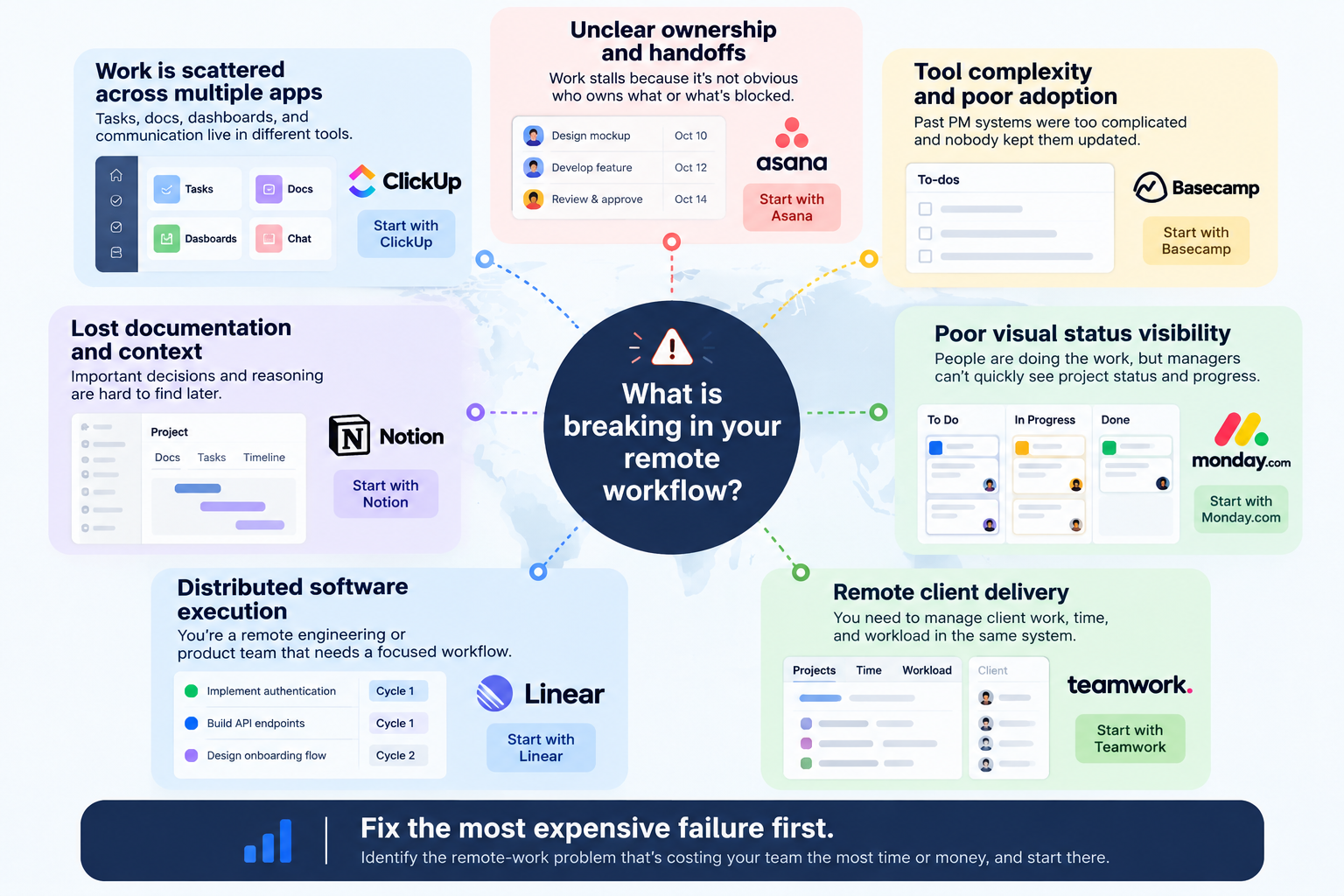
Rather than asking which platform is “best overall,” identify the failure that’s costing your team the most.
“We can never tell who owns what.” Start with Asana. Its structured ownership, dependencies, and project updates are a good match for teams where work stalls because responsibility isn’t obvious.
“Our work is scattered across too many apps.” Look closely at ClickUp. Its broader workspace model is most valuable when consolidation itself is the goal. Just make sure somebody will own the structure after migration.
“Our team refuses to maintain complicated PM systems.” Consider Basecamp. A smaller toolset can outperform a more capable platform when adoption is the real bottleneck.
“Important context keeps disappearing.” Start with Notion. It is especially attractive when project execution and organizational knowledge need to stay close together. Budget time for designing the workspace properly.
“Managers can’t see project status without asking everyone.” Consider Monday.com. Its visual model is strongest when leadership visibility is the problem, assuming the relevant plan and seat structure make sense for your team.
“We’re a distributed engineering or product organization.” Put Linear near the top of the list. Its narrower product-development model is a strength here rather than a constraint.
“Our remote team delivers work to paying clients.” Look at Teamwork. Time, capacity, client access, and project delivery belong to the same operational picture in a service business.
If two scenarios describe your team, rank them by cost.
Which failure loses more time or money today: unclear ownership, missing context, scattered systems, or poor management visibility?
Fix the expensive failure first.
When Remote Teams Should Not Add Another Project Management Tool
Your existing system works, but nobody keeps it updated. If tasks are stale and statuses are wrong, changing software may not address the real cause. Before migrating, find out why people stopped maintaining the current system.
Important decisions still happen outside the project record. If the final decision lives in a DM, call, or temporary chat thread, your PM tool will always show an incomplete version of reality. The team needs a rule for recording outcomes, regardless of which software you choose.
Ownership itself is unclear. Software can display an owner. It can’t decide who should be accountable when the organization hasn’t made that decision.
You’re solving tool sprawl by adding another tool. Every new platform creates another place information can hide. Sometimes consolidation means removing software rather than buying more.
Nobody owns the operating system. Even relatively simple PM tools need conventions, cleanup, onboarding, and occasional governance. Without an owner, the workspace eventually reflects everyone’s individual habits instead of one shared operating model.
Your team is too small or simple for the platform you’re considering. A five-person team with a handful of straightforward projects may not need a sophisticated reporting or resource-management layer.
Good project management software makes healthy operating habits easier and makes broken habits easier to see.
It doesn’t create those habits for you.
What Features Actually Matter for Remote Teams?
Generic PM-software checklists tend to reward the platform with the most features.
Remote teams need a different question:
Does this feature help someone who wasn’t there?
- Clear ownership. Every important piece of work should have an obvious accountable person.
- Async updates. Written progress should let people catch up without another sync meeting.
- Searchable context. Decisions should still make sense weeks later to someone who wasn’t in the original conversation.
- Task and project history. People need to reconstruct what changed without asking the person who made the change.
- Useful notification control. Too much noise trains people to ignore alerts; too little leaves them blind.
- Visible handoffs. Teams working across time zones need to know when responsibility has actually moved.
- Lightweight automation. Useful automation reduces the maintenance that causes systems to become stale.
- Collaboration integrations. Chat, calendars, and file tools will still exist; integrations help connect those surfaces back to the project record.
- Documentation. Briefs, decisions, and operating notes provide the “why” behind the task list.
- Workload and status visibility. Managers should be able to understand progress and capacity without rebuilding the picture manually.
You don’t necessarily need the strongest product in all ten categories.
You need strength in the areas where your remote workflow currently breaks.
FAQ
What is the best project management software for remote teams?
There isn’t one universal winner. Asana is a strong fit for explicit ownership and structured async workflows. ClickUp makes more sense when work is fragmented across multiple tools. Basecamp prioritizes simplicity. Notion is strongest when documentation and context are central. Monday.com emphasizes visual status, Linear fits distributed software teams, and Teamwork is built around client-service delivery. Choose based on the remote-work failure you’re trying to eliminate.
Is ClickUp or Asana better for remote teams?
Asana generally makes more sense when your priority is structured ownership and a more opinionated project workflow. ClickUp makes more sense when your priority is consolidating tasks, docs, dashboards, and other work surfaces into a highly configurable environment. That flexibility also means more configuration. If nobody wants to own workspace design, the difference matters.
Is Notion enough for project management?
It can be. Notion supports tasks, sub-tasks, assignees, statuses, due dates, timeline views, and task dependencies, so the question isn’t simply whether it has project-management functionality. The bigger question is how much structure your team wants to design itself. Documentation-centric teams may value that flexibility. Teams that want a more opinionated PM workflow with less upfront system design may prefer a dedicated project-management platform.
What should global teams look for in project management software?
Prioritize async clarity, explicit ownership, preserved context, visible handoffs, and sensible notification control. “Time-zone support” is less useful as an isolated checkbox than a workflow where the next person can independently understand what happened and what they need to do next.
Do remote teams need Slack and a project management tool?
Often yes, because they solve different problems. Chat works well for fast questions and live discussion. A project-management system is better suited to preserving ownership, status, deadlines, and the decisions that need to survive after the conversation ends. The problem starts when an important decision happens in chat and never makes it back into the project record. Integrations help, but the team still needs a habit of recording outcomes where future teammates can find them.